



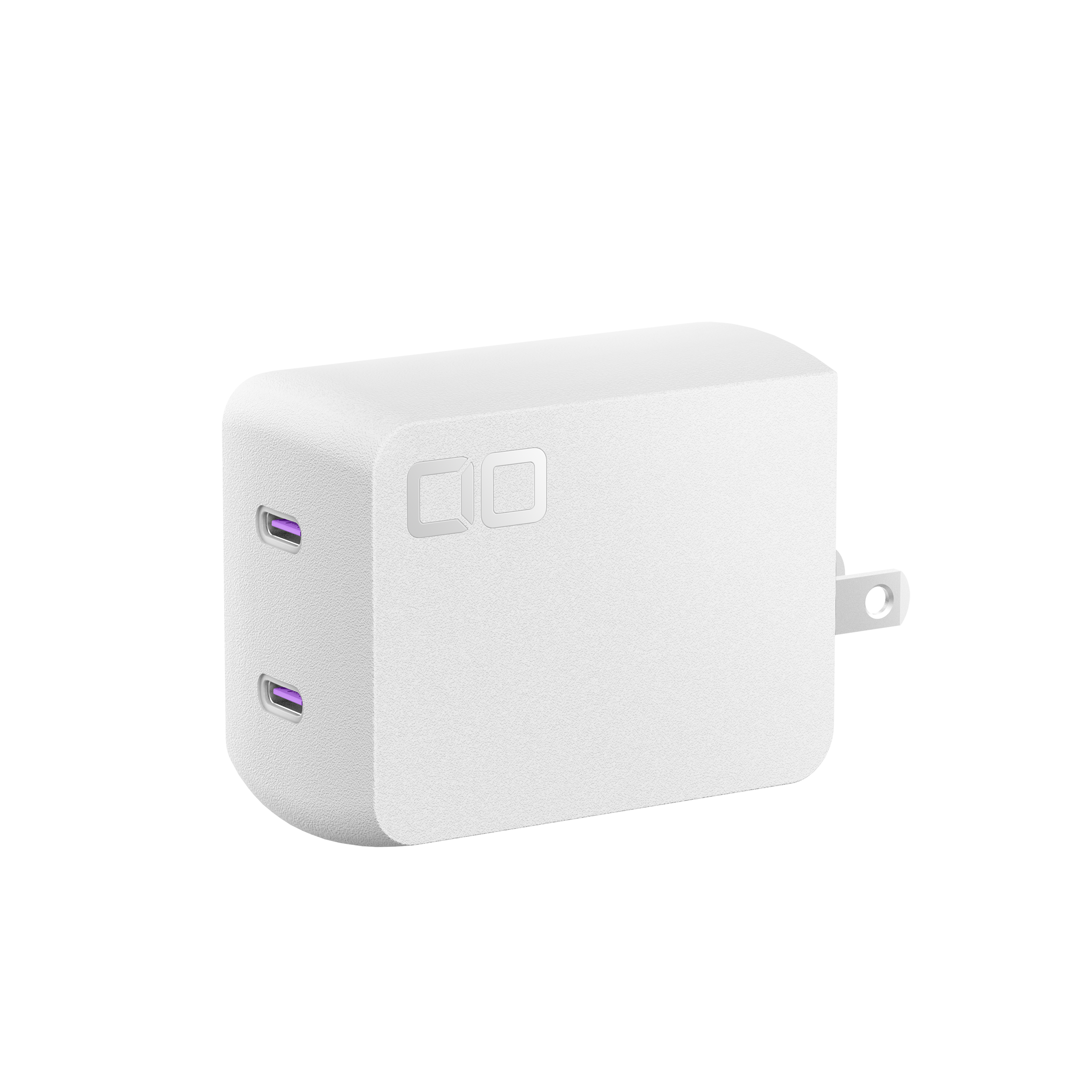
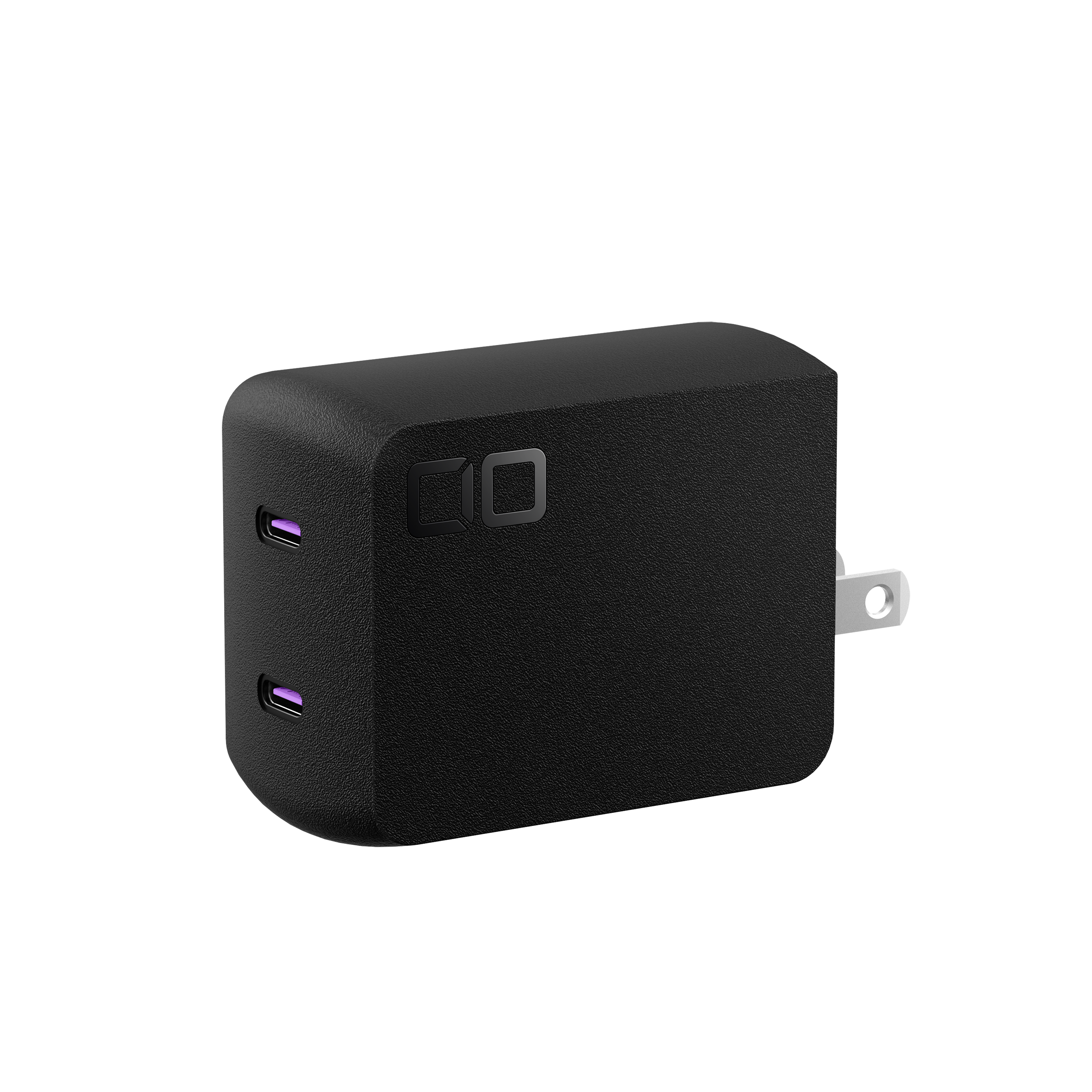
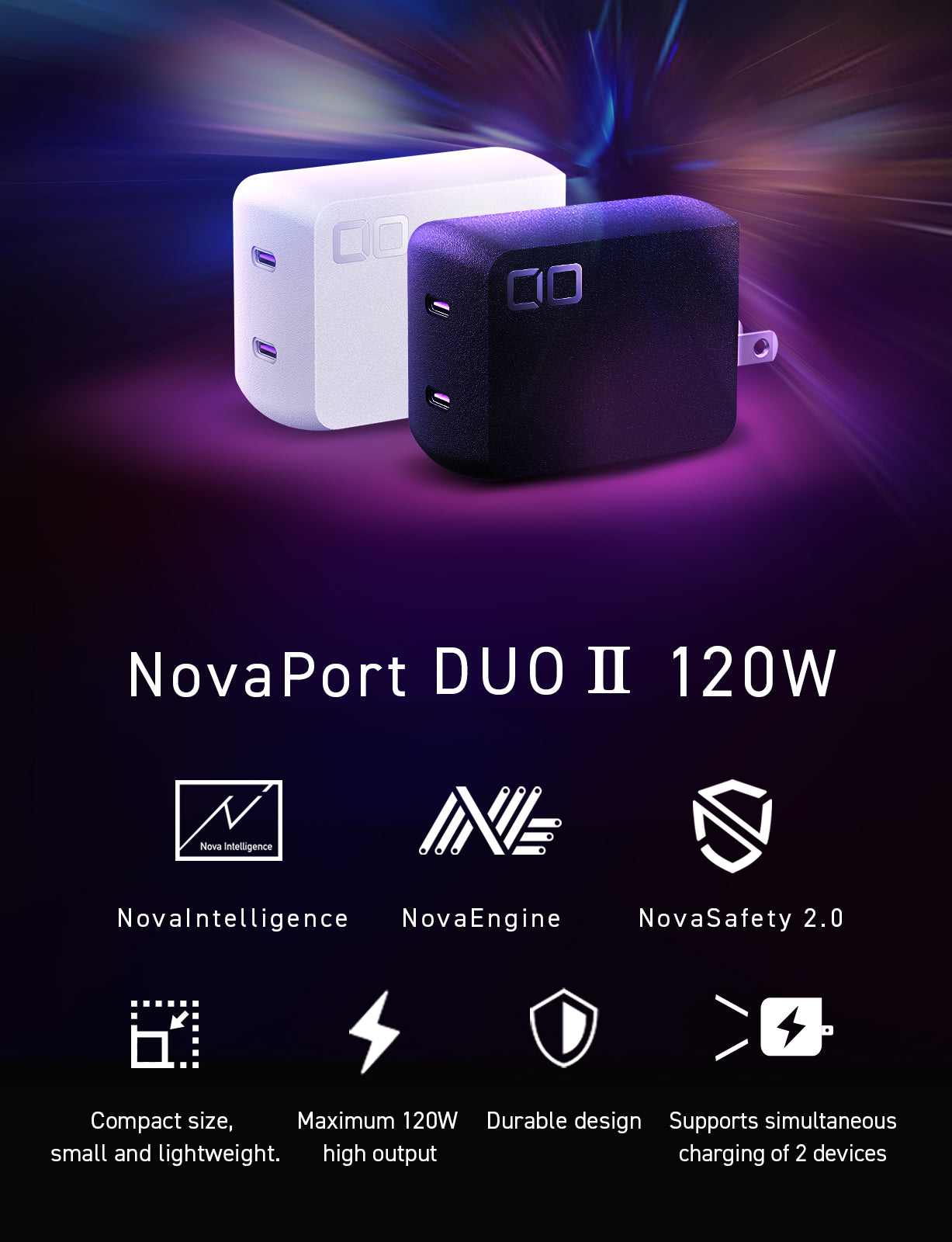

NovaPort DUOⅡ 120W2C
If you have any questions, you are always welcome to contact us. We'll get back to you as soon as possible, within 24 hours on weekdays.
-
Shipping Information
Use this text to answer questions in as much detail as possible for your customers.
-
Customer Support
Use this text to answer questions in as much detail as possible for your customers.
-
FAQ’s
Use this text to answer questions in as much detail as possible for your customers.
-
Contact Us
Use this text to answer questions in as much detail as possible for your customers.
Product details
Dual USB-C Ports Delivering a Total of 120W Output
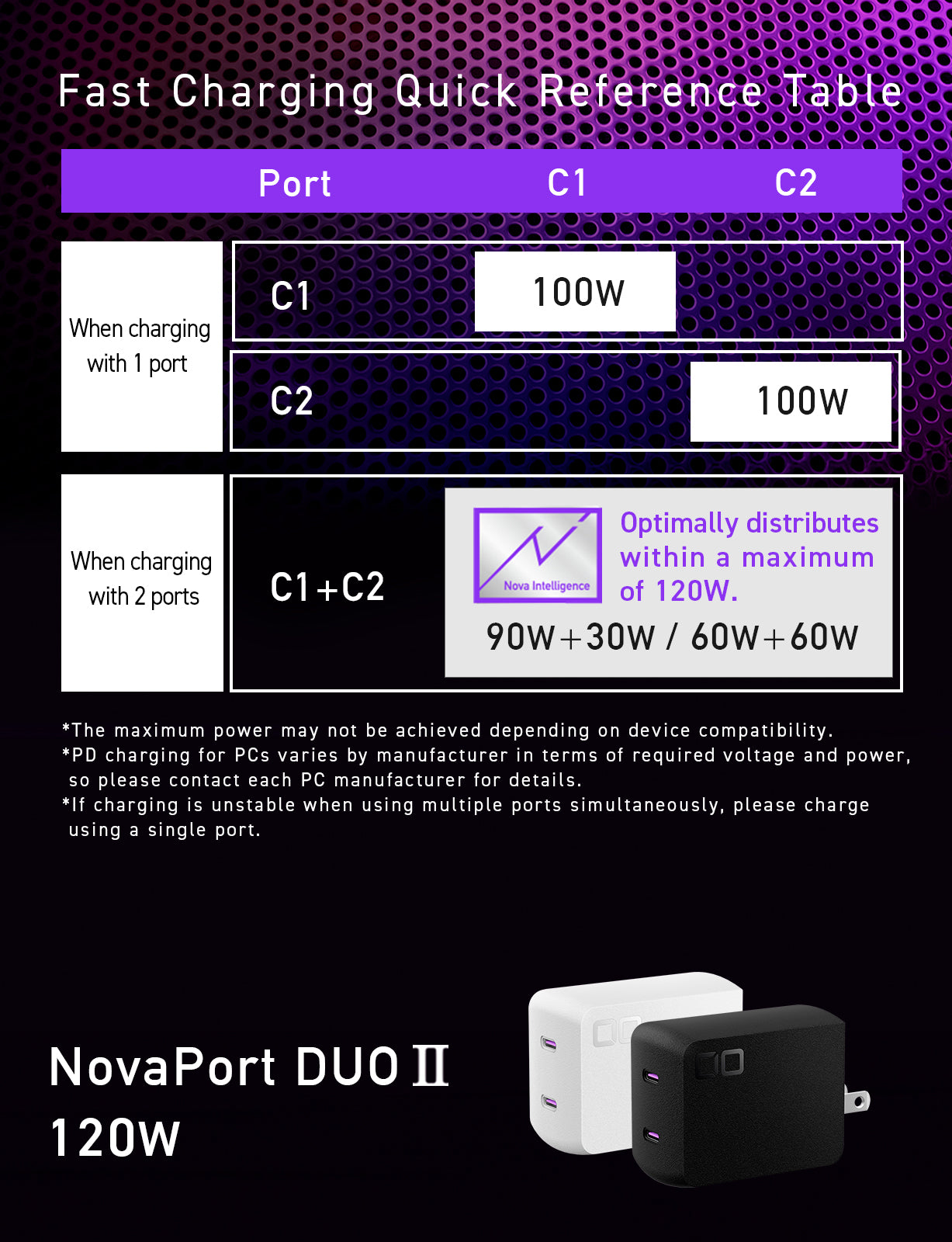
Equipped with two USB-C ports, this charger delivers a total maximum output of 120W.
It can charge a 65W-class laptop and a high-end smartphone simultaneously, or two 60W-class laptops, or even provide 90W + 30W fast charging.
(For detailed power distribution, please refer to the Quick Charging Chart in the product images.)
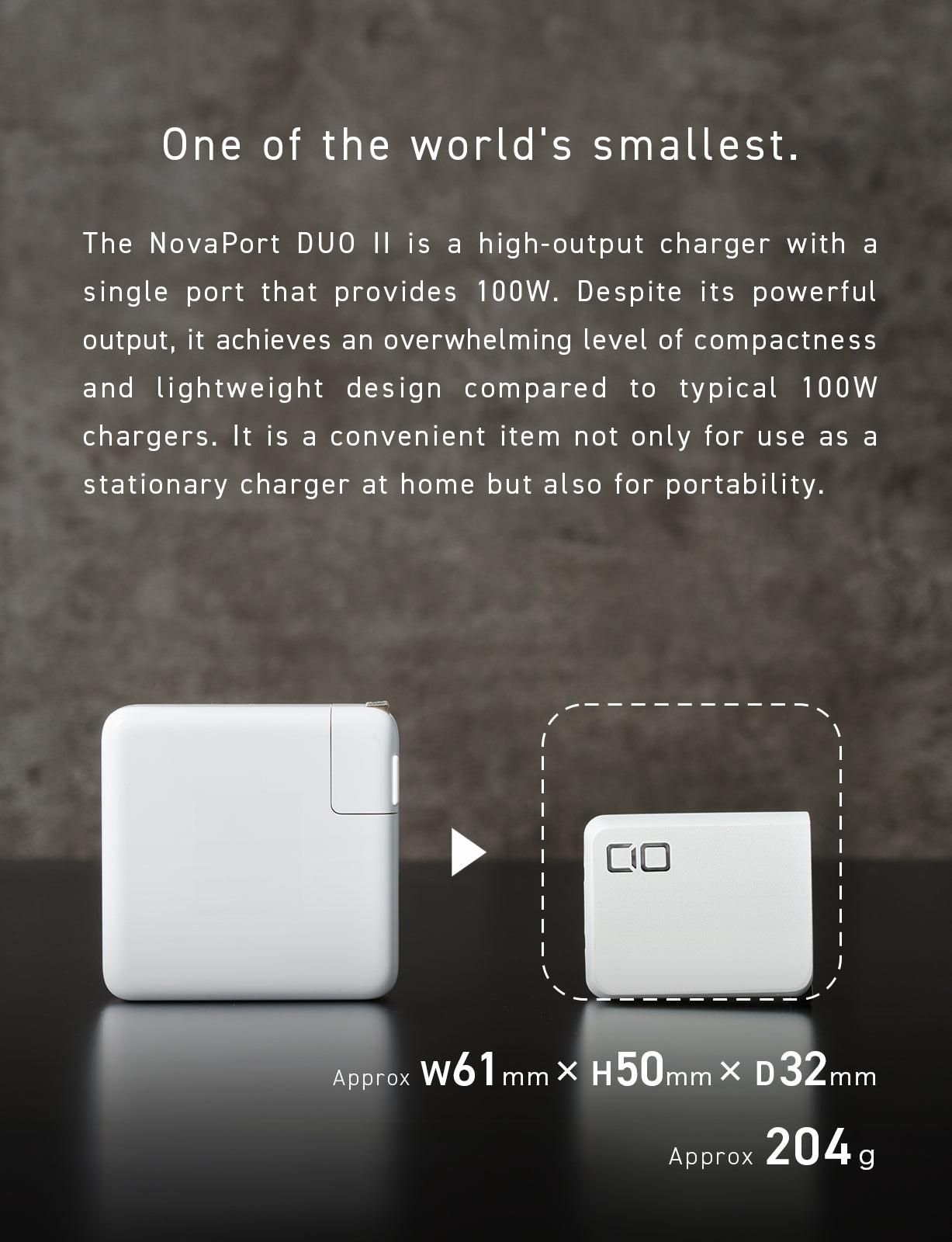
Ultra-Compact Size
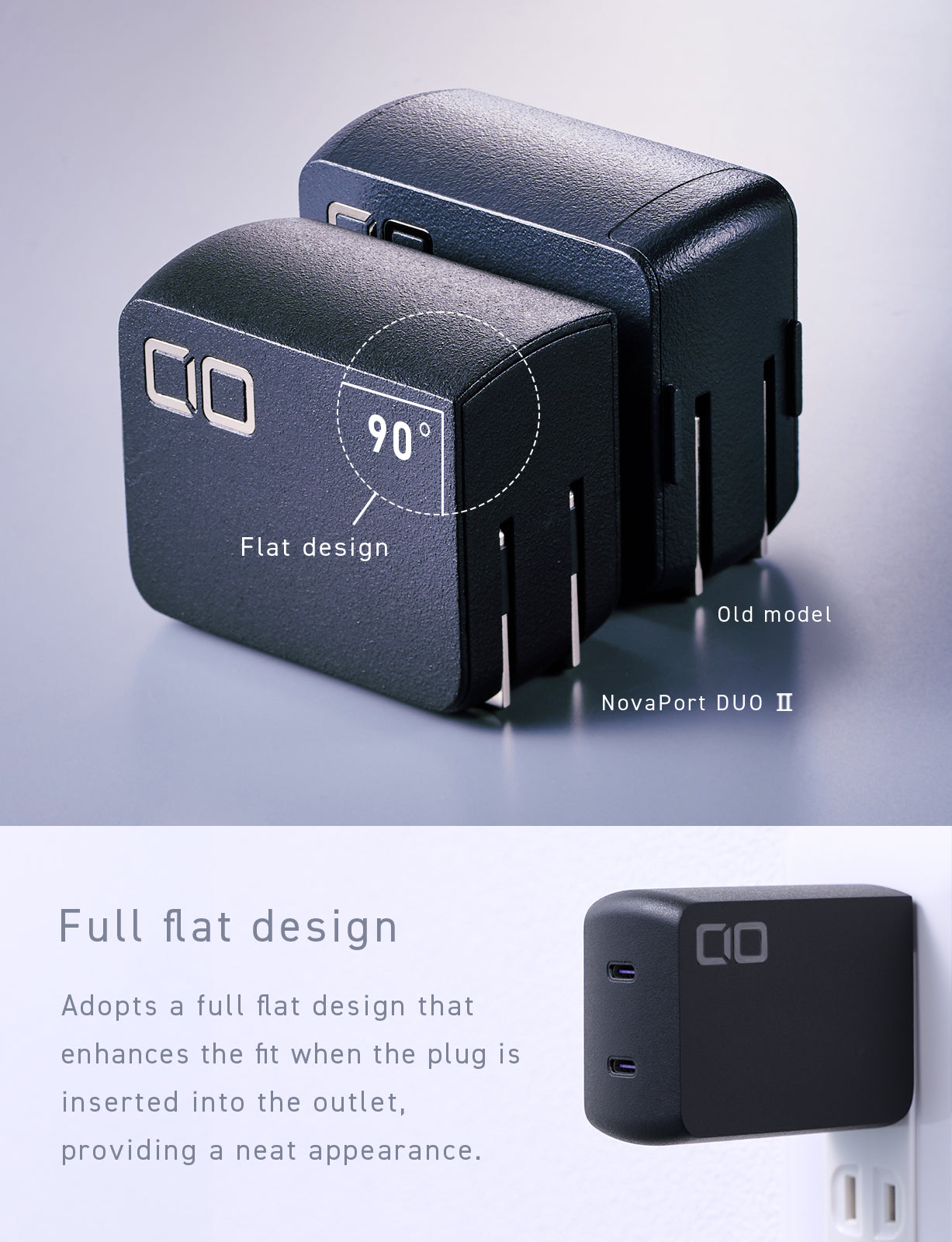
Despite its high-power output, the charger is designed to be compact and portable.
It fits easily into a bag or pouch without adding bulk and does not interfere with other plugs when used in an outlet.
Perfect for office use, it keeps your workspace organized and clutter-free.
Single-Port Maximum Output: 100W
Supports fast charging for MacBook Pro, Windows laptops (Lenovo, Let’s note, etc.), and other high-power devices requiring up to 96W or 87W.
A powerful USB charger capable of handling even large devices efficiently.
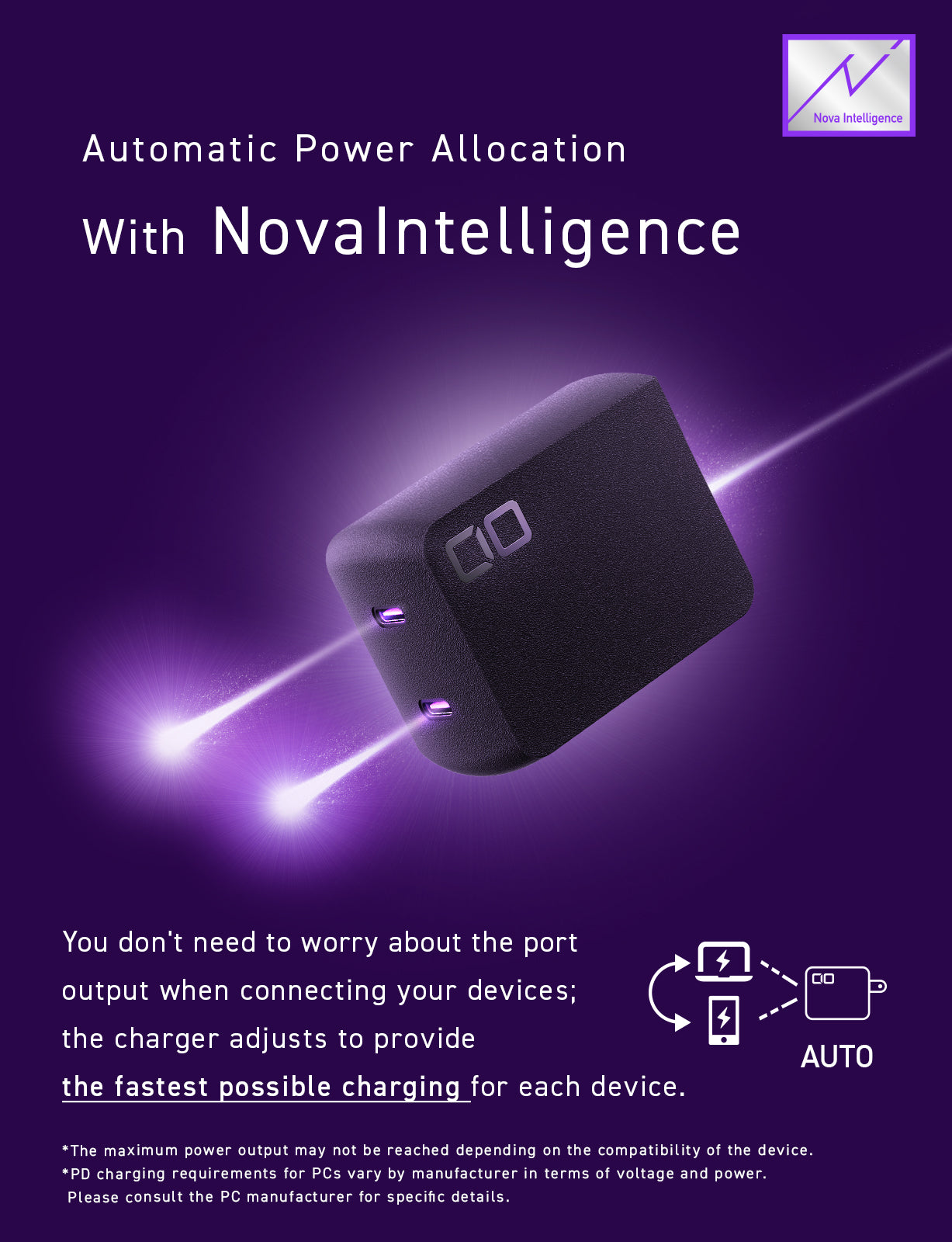
Nova Intelligence – Smart Power Distribution
Equipped with CIO’s proprietary Nova Intelligence technology, which automatically adjusts power distribution according to the connected devices.
You no longer need to worry about which port to use—Nova Intelligence ensures smooth and optimized charging even when multiple devices are connected simultaneously.
NovaEngine – Dual GaN Chip Technology
Incorporating CIO’s innovative NovaEngine technology that uses dual next-generation GaN (Gallium Nitride) semiconductors, it minimizes energy loss and enhances power conversion efficiency.
This enables higher charging speeds and improved thermal management, ensuring stability and safety during use.
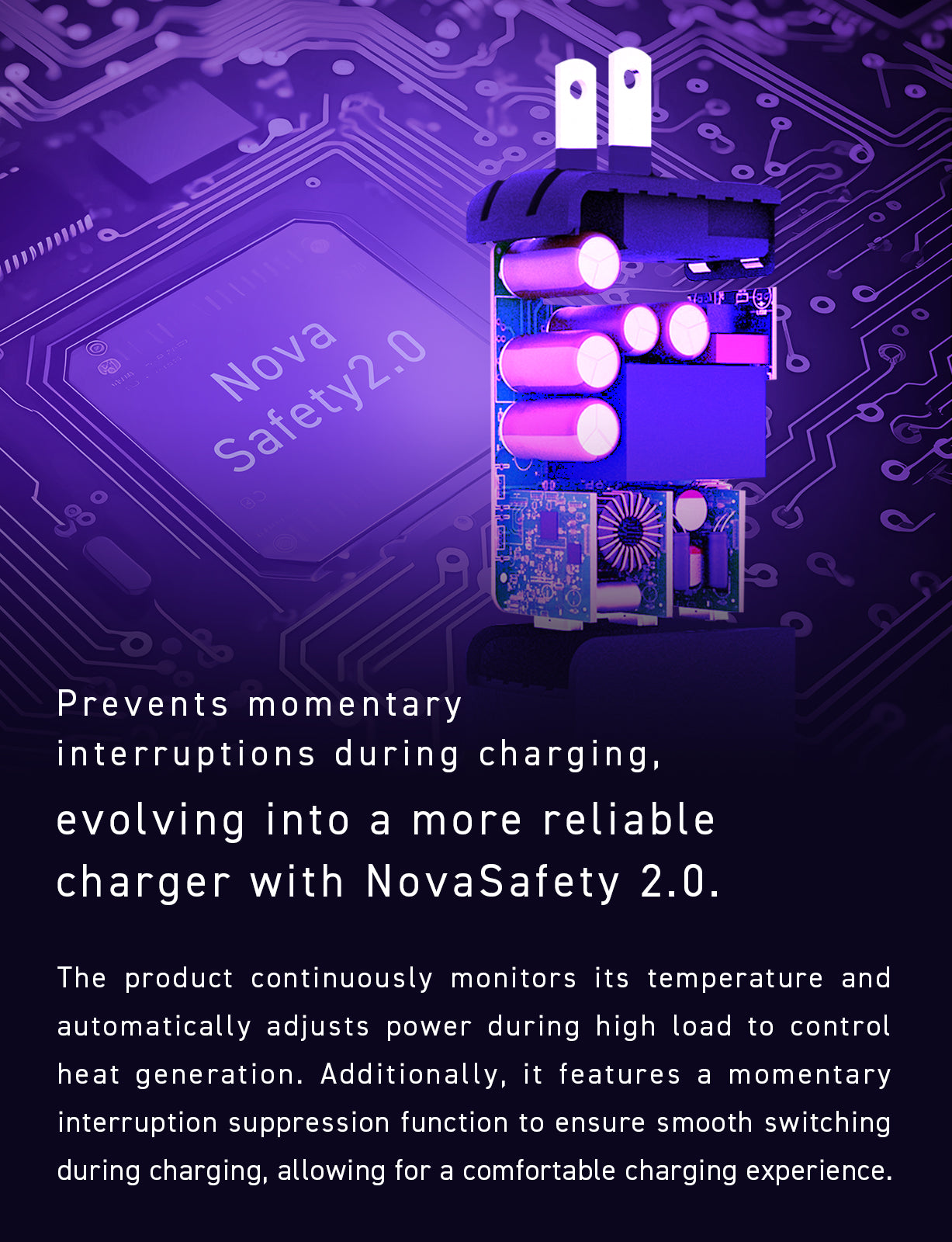
NovaSafety 2.0 – Advanced Protection System
To provide safer and more reliable use, CIO’s proprietary NovaSafety 2.0 technology continuously monitors the charger’s temperature and automatically adjusts output under heavy load conditions.
By optimizing thermal management, it ensures safer and longer-lasting performance.
Refined Exterior with Enhanced Durability
The surface features a finely textured, scratch-resistant matte finish inspired by DSLR camera bodies.
This prevents scratches during transport and keeps the charger looking clean and beautiful over time.
Its minimalist yet elegant design is made to satisfy both practical and aesthetic needs.
- Model Number
- CIO-G120W2C-N2
- USB specification
- Type C *2
- Rapid charging standard
- PD3.0 / QC4.0+ / PPS
- Accessories
- User Manual
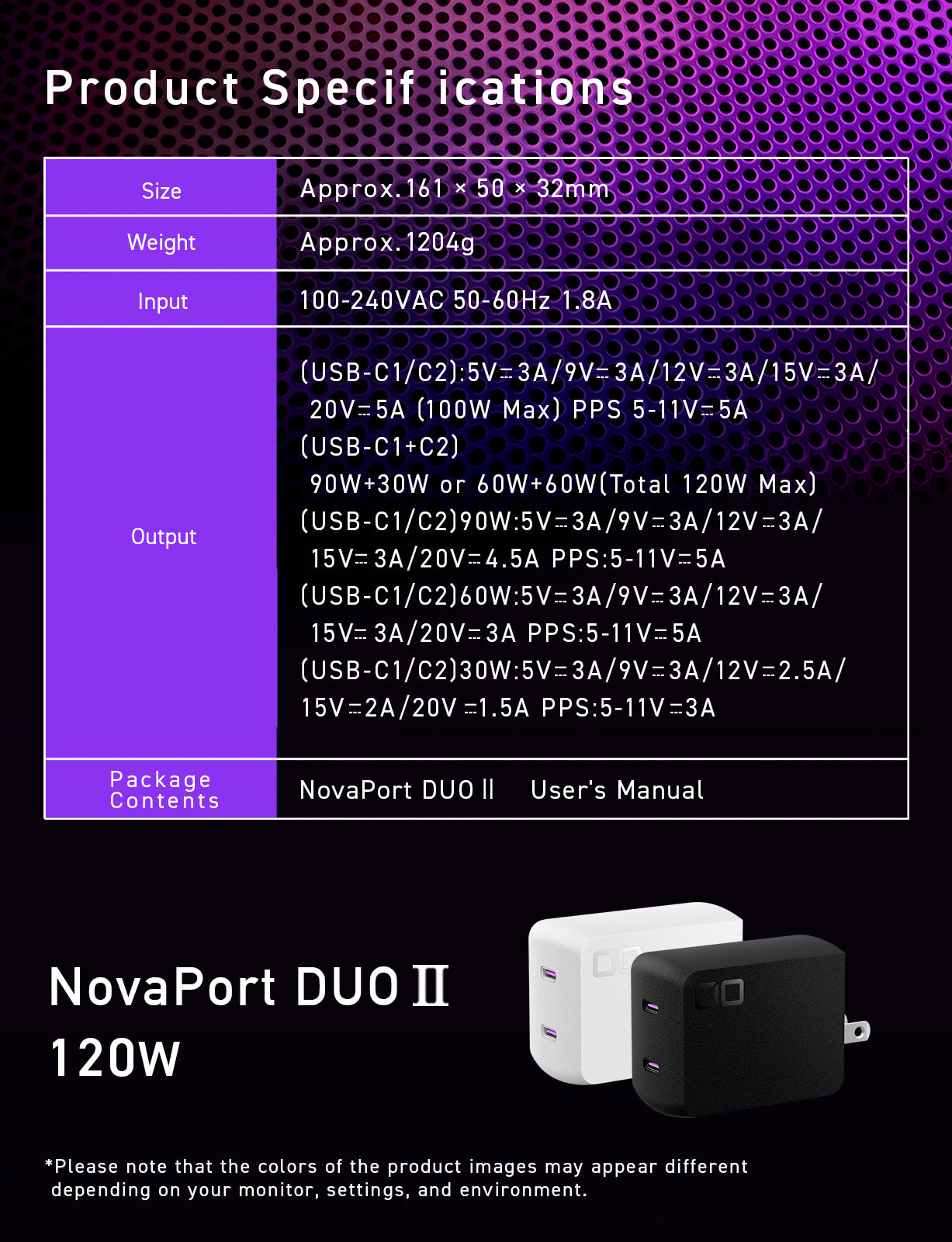
- Output
-
- (USB-C1/C2):5V⎓3A/9V⎓3A/12V⎓3A/15V⎓3A/20V⎓5A (100W Max) PPS:5-11V⎓5A
- (USB-C1+C2):90W+30W or 60W+60W (Total 120W Max)
- (USB-C1/C2)90W:5V⎓3A/9V⎓3A/12V⎓3A/15V⎓3A/20V⎓4.5A PPS:5-11V⎓5A
- (USB-C1/C2)60W:5V⎓3A/9V⎓3A/12V⎓3A/15V⎓3A/20V⎓3A PPS:5-11V⎓5A
- (USB-C1/C2)30W:5V⎓3A/9V⎓3A/12V⎓2.5A/15V⎓2A/20V⎓1.5A PPS:5-11V⎓3A